Extended Bonfire Radius
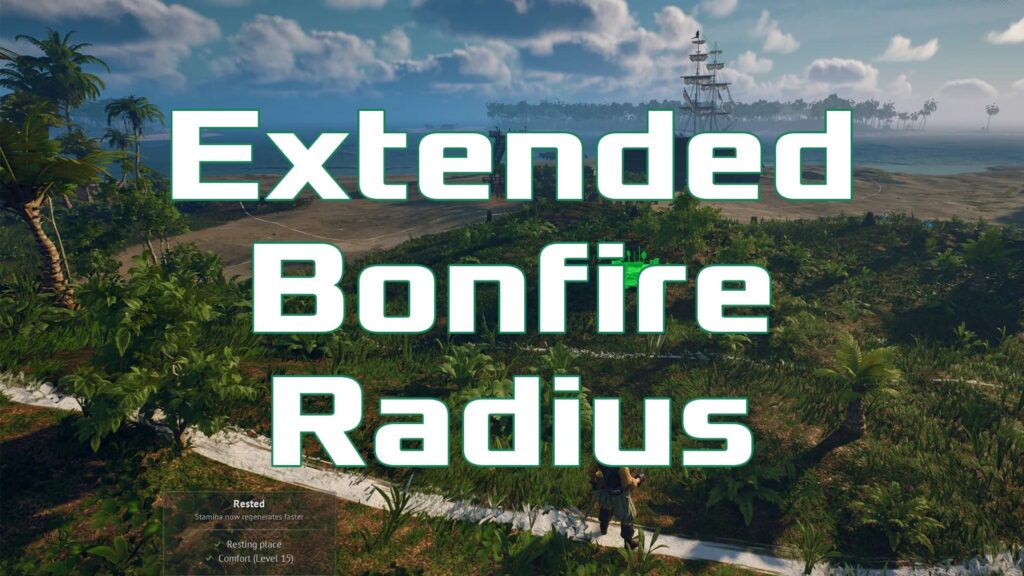
If you are searching for Extended Bonfire Radius, this Windrose mod guide breaks down what the mod does, why players want it, where it fits in the game’s mod scene, and how it helps with base building, bonfire range, rested coverage, and settlement planning in Windrose. The appeal is simple. In Windrose, the bonfire radius acts as a practical limit for how comfortably you can organize your home base, especially when crafting stations, storage, and bonus-granting structures need to stay inside that active zone to remain convenient or functional. That creates a familiar friction point for builders who want a larger, more natural settlement layout without splitting everything across awkwardly separated camp areas, and that is exactly where the Extended Bonfire Radius mod earns its place. Instead of reshaping the whole game, it focuses on one especially noticeable building constraint and turns it into a cleaner, more flexible system for creative base design in Windrose.
What The Mod Does
Extended Bonfire Radius increases the usable bonfire build radius in Windrose, giving players more room to place structures and organize larger bases without feeling boxed in by the standard campfire boundary. Community descriptions consistently frame it as a quality-of-life mod for builders, especially for players who want more freedom with large layouts, decorative zones, and wider settlement planning.
This matters because the default bonfire system has been a recurring point of discussion among Windrose players. Steam threads show repeated requests for larger bonfire coverage or upgrade paths, while player discussion also notes that building outside the circle is possible, but important benefits and functionality are tied to the bonfire’s active area.

Mod Features
The main features of Extended Bonfire Radius are straightforward, which is part of its charm.
- Expands the effective bonfire radius for bigger base layouts.
- Makes it easier to experiment with large settlements and decorative building plans.
- Reduces the need to split your home into multiple separated bonfire zones.
- Improves comfort for players who want crafting, storage, and living spaces arranged more naturally.
This is the kind of mod that feels small on paper but much larger in practice. Once your build starts growing, the extra space can make Windrose base planning feel far less cramped and much more intuitive.
Why Players Use It
A lot of players run into the bonfire limit early once they start thinking beyond a simple starter camp. A house, workshop corner, storage area, and decorative pieces can quickly push your plans outward, and the default radius starts to feel restrictive once you begin building with style instead of just survival efficiency.
That is why this mod has gotten attention in mod recommendation lists and community videos. It solves a highly visible pain point without requiring players to overhaul the entire experience, so it lands in that sweet spot between useful and easy to appreciate.
Where To Download It
You can download the mod from Modsportal:
How To Use It
The exact installation steps should always be confirmed on the mod page itself, because mod authors sometimes change file structure, dependencies, or version notes. In general, Windrose installation guides recommend closing the game fully, downloading the mod files, locating your Windrose install directory through Steam, and placing the files in the location specified by the mod author.
A simple approach looks like this:
- Close Windrose completely.
- Download Extended Bonfire Radius from its Modsportal page.
- Open your Windrose game folder through Steam’s Installed Files menu.
- Follow the folder instructions listed by the mod author on the download page.
- Launch Windrose and test the mod in-game by checking your build radius behavior.
If the mod does not appear to work right away, double-check that the files were placed in the correct directory and review the mod page for any dependency notes or update-specific instructions.
Who This Mod Is Best For
Extended Bonfire Radius is best suited for builders, decorators, and players who want their base in Windrose to look like a proper settlement rather than a tightly packed survival nook. It is also a strong pick for anyone who dislikes managing multiple bonfires just to make a base feel functional and cohesive.
If your favorite part of Windrose is shaping a home space that feels lived in, efficient, and visually satisfying, this mod is an easy recommendation. It does not shout for attention. It quietly makes one of the game’s more frustrating spatial limits feel much better.