Faster Ships
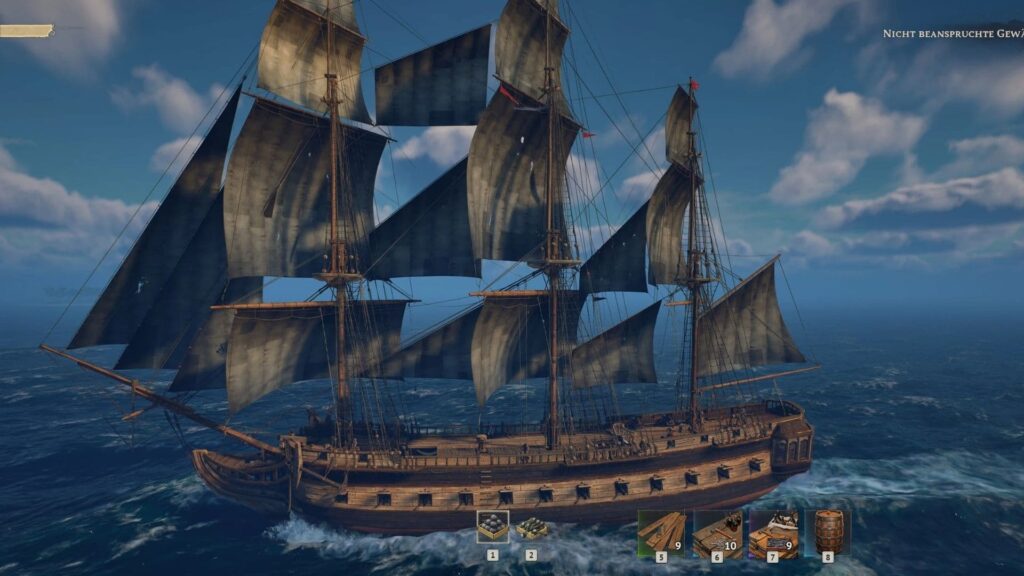
Sailing is the heart and soul of Windrose, but if we are being completely honest, the default travel speeds can sometimes turn an epic high-seas adventure into a tedious waiting game. Whether you are running cargo across the archipelago or trying to outrun Blackbeard’s fleet, long distances can start to feel like a chore that interrupts the otherwise fantastic momentum of the game. That is exactly why the Faster Ships mod has become an absolute must-have for the community. This straightforward but highly effective tweak injects some much-needed adrenaline into your naval traversal by giving every single vessel in the game a noticeable speed boost. From the smallest cutter to the most massive epic rarity Frigate, this mod ensures you spend less time watching the horizon slowly creep closer and more time actually engaging in the exciting pirate combat and exploration the game is known for. With customizable speed tiers that let you decide just how fast you want to cut through the waves, it is no wonder this has become one of the most downloaded enhancements available. Let us break down everything this mod does, how to set it up, and why it belongs in your loadout today.
Mod Features And Speed Tiers
The beauty of the Faster Ships mod lies in its simplicity and flexibility. The creator understood that not every player wants to break the sound barrier; some just want a slight nudge to make long journeys more bearable. Because of this, the mod offers several different speed tiers that you can install based on your preference.nexusmods+1
The entry-level option, appropriately named FasterShips, provides a modest increase of approximately 2 to 3 knots across all vessels. This is perfect for players who want to maintain the vanilla feel of the game while shaving a few minutes off cross-map travel. If you want something a bit punchier, the EvenFasterShips variant bumps the speed up by roughly 5 knots.
For the true speed demons, the FasterShips10 variant pushes the limit by adding 8 to 10 knots to your cruising speed, and it even includes a slight improvement to your ship’s turning radius. There is also an extreme 20-knot option for those who simply want to fly across the map. The best part is that this modification applies universally to every ship in the game, including the starting cutter, so you will notice the benefits immediately.

Where To Download the Faster Ships Mod
Getting your hands on this mod is incredibly simple. The most reliable and updated version can be found directly through the official modding hub. The creator actively monitors the page for feedback and occasionally pushes updates to ensure compatibility with new game patches.
You can download the files directly from the official source here:
Download from Modsportal
How To Use It
Installing mods for Windrose is thankfully a very straightforward process that does not require any complex mod managers or technical wizardry. The creator has designed this as a simple drop-in package.
First, download your preferred speed variant from the link above and extract the downloaded archive to your computer. You will be looking for a specific .pak file. Next, you need to locate your game directory. Navigate through your folders until you find the following path: \Windrose\R5\Content\Paks\~mods\.
If you do not see a ~mods folder inside the Paks directory, simply create a new folder and name it exactly ~mods. Once the folder is ready, drag and drop your downloaded .pak file inside. That is it! Launch Windrose, and the speed changes will apply automatically without any extra configuration needed in the game menus. If you ever decide you want to return to the vanilla sailing speeds, simply delete the .pak file from the folder and restart your game.